Manage your applications
This guide shows how to create, and delete applications from our Dashboard. The applications provide temporary tokens, and the Client ID and the Client Secret needed for the API authentication.
From our Dashboard you can perform these actions:
- Create a new App.
- View existing standalone applications and default sandbox entry.
- Delete an unused application.
- Generate a secret and/or a token for your app.
- Generate a token for your sandbox account.
Create your application
- Click on "Create New Application" button to start creating your app.
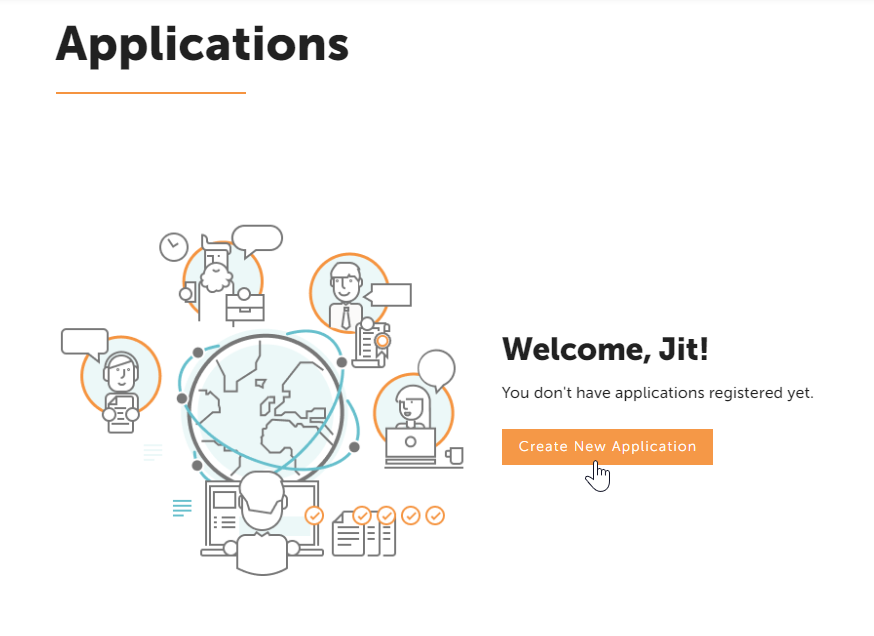
To start creating live applications you must be registered and logged in to LanguageWire Platform.
- Type a recognisable App Name and App Description for your application and then click on "Create".
- Make sure the name and description given is correct as once is saved, these fields are not editable.
- If you need to amend/change the App Name or App Description, you must delete your app and create it again.
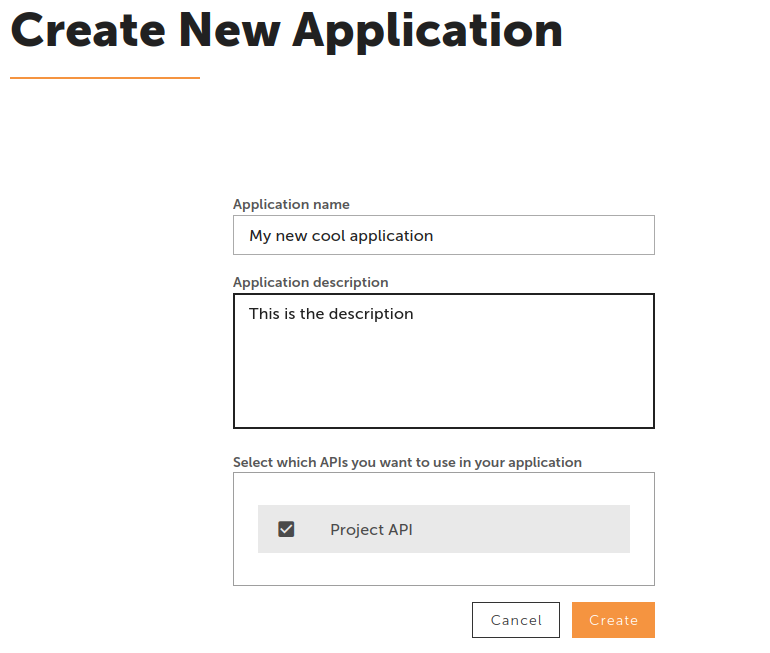
Create 1 application per each of your functional units and/or integrations, so you can easily track and manage their credentials.
- Your application is now created, and you’ll be redirected to the apps overview page.
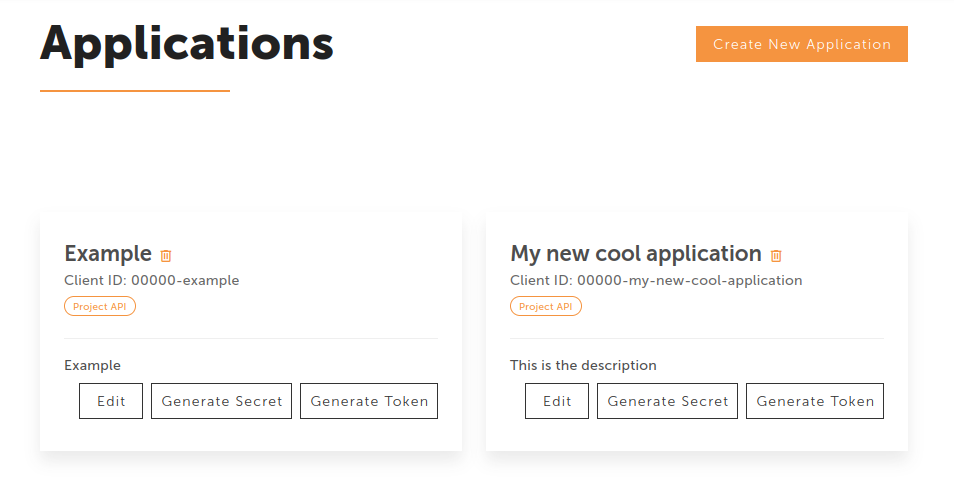
Client ID
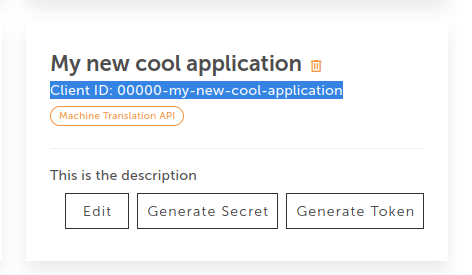
When creating your application,the system automatically generates a Client ID. This is the unique code that is linked to your Platform account and identifies your application, so there is a match between your private data and the API requests.
Delete your application
Once your application is out of use, you can remove it from the dashboard.
- Use the bin icon and your app will be permanently removed.
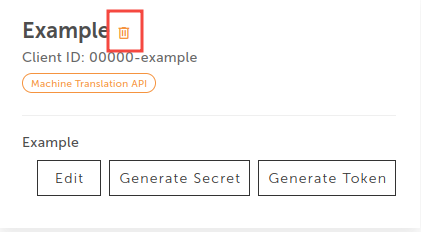
When should I delete my app? You should delete your application in case the integration is no longer needed.