Prerequisites
When using a production account and creating your own translation project, you can either use a predefined template or set your project from scratch. In both cases there are some prerequisites that you must meet beforehand. Make sure you meet all of them to ensure the Project API retrieves your data correctly.
If you are using a sandbox account with a pre-configured testing project, skip this section.
01. Platform registration
If you want to use your own data in your translation project, you must be registered and have an active account in our LanguageWire Platform. This is usually set up by our Project Managers, who are responsible for configuring your account, including templates, translation memories, services, etc.
📧 Contact us for more details.
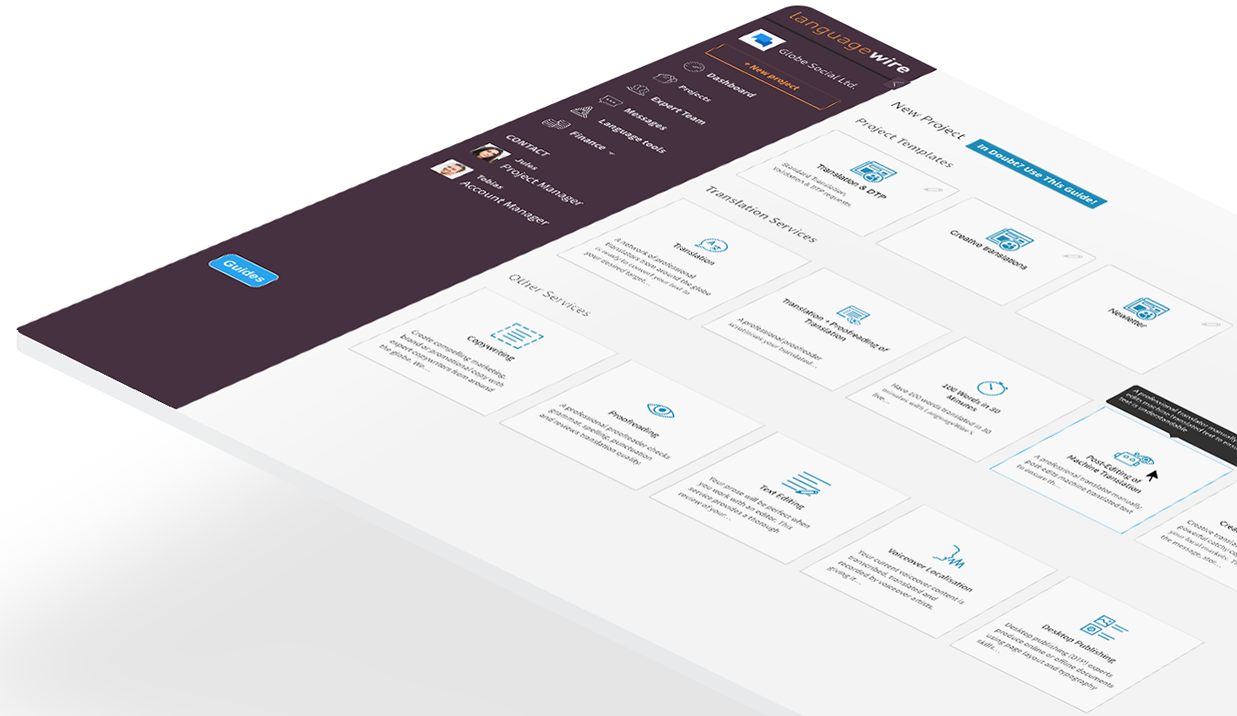
Your Platform account should include the following data:
Invoicing account
You need an authorised, active invoicing account set in our Platform.
- So the call GET
/invoicing-accountscan return all available invoicing accounts for your entity/company and you can then select the/invoicing-accounts-idof the one to be used for your project. - Each API Key is associated with different invoicing accounts.
Translation memory
Your company/ entity should have a set of translation memories associated with your account, in the LanguageWire Platform.
- So the call GET
/translation-memoriescan return all available terminologies for your company (entity), so you can then select the/TranslationMemoryIdof the one you want us to apply to your project.
External ID
You must provide an unique identifier for your project.
- Usually, the
/externalIdmatches the identifier assigned to the same project (or file) on your records, this way you will be able to track it easily. - Must be unique across all projects for a given API Key.
For your /externalId we recommend you to use a universally unique identifier (UUIDv4 or GUID).
02. Login and live applications
Once your Platform account is ready, you must head to the Dashboard to log in to the system with your LanguageWire credentials, so you can start creating your own application(s).
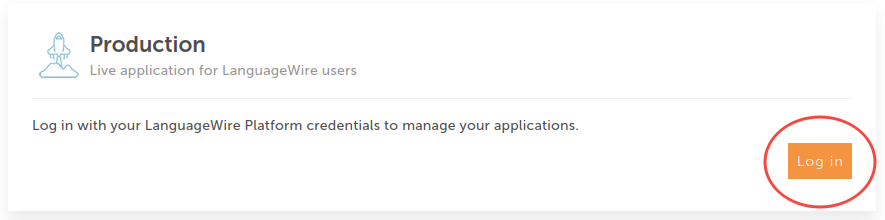
Follow the apps management guide to learn how to set your applications.
03. Generate your app's credentials
Once your application is created:
- The system automatically generates a Client ID associated to your LanguageWire account for further identification.
- You can generate credentials for your applications, either temporary tokens or app secrets.
Refer to the authentication section to know how to get your apps credentials.
04. Consider the following recommended design guidelines
- Translatable Words: Roughly how many translatable words are in each of your files? Try and avoid submitting small jobs in terms of the total number of translatable words as this may incur additional costs. With our API you can continue to add source files to draft projects and then send the projects at an agreed threshold or time.
- Target Languages: To increase the efficiency of project processing combine as many target languages into your project as possible.
- Polling Intervals: If polling is used, set the interval (e.g., every minute or hour) according to your business requirements.
- API Rate Limits: Be mindful of the API rate limits, detailed here.
- File Limit: Ensure no more than 400 files are added to a single project.
The following features are nice-to-haves that you can consider when planning your development:
- Project Status Visibility: Develop a mechanism within your source content platform to help users understand the status of their projects. At a minimum, this could include a list of projects with their names and statuses.
- Redelivery of Files: Design the integration to facilitate the redelivery of files. This feature is useful if translated files need to be updated and redelivered due to changes in customer requirements.