Getting access
Accessing the LanguageWire MT API requires a set of authentication credentials, also known as tokens, that you must use with each request.
- These credentials can come in different forms depending on the type of authentication that is required by the specific account you are using, either a trial or a production one.
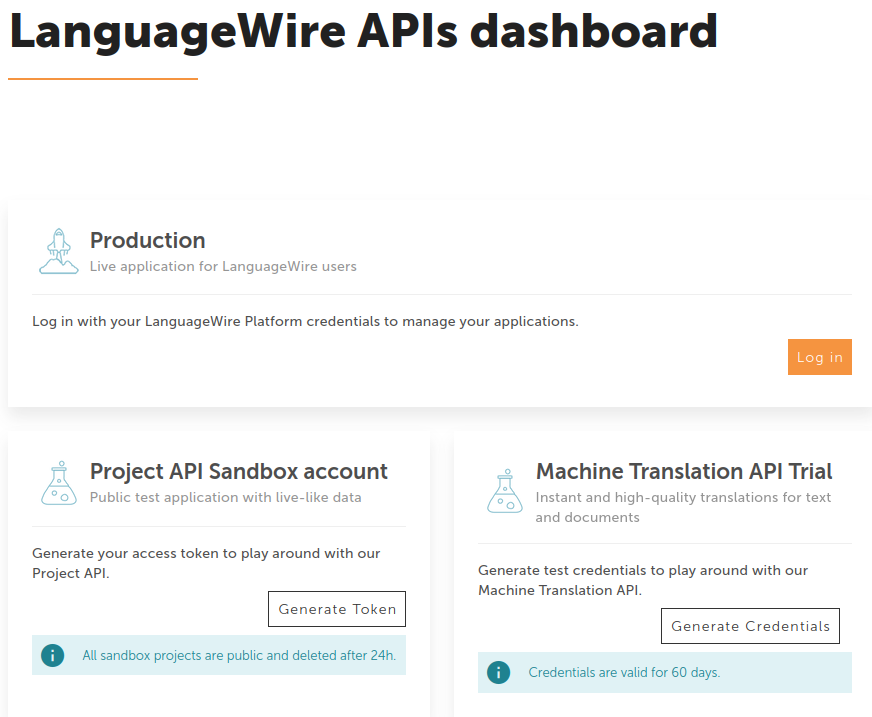
- All credentials can be generated from the Dashboard.
Trial account
If you want to get familiar with our MT API you can start using a trial account.
You don't need an active Platform account, you just need to generate a set of client credentials.
You can then use those client credentials to create temporary access tokens, with which you authenticate against the API.
You have to save those credentials to generate new access tokens.
When you create a new set of client credentials, a temporary access token will be created for you.
- You use the client credentials to generate access tokens, and then you send access tokens to the API. The client credentials are not sent to the API. You must save the client credentials (client ID and secret) to generate new access tokens.
- The client credentials are valid for 60 days.
- The temporary access token expires after a short amount of time, e.g. 5 minutes.
- This is the same environment as for production accounts, only the credentials are different.
Production account
A production account allows you to use a Translation Memory or a Termbase for Neural Terminology. It also offers higher rate limits than a trial account. The client credentials are valid forever, not only for 60 days. The temporary tokens still expire after a short amount of time, e.g. 5 minutes.
- You must be registered as a LanguageWire user.
- You must have an active subscription for MT API.
- Log in to our Platform via the Dashboard.
- Create your applications.
- Generate your apps credentials.